COMPARE · 3 NOVEMBER 2026
Vaultage vs the iPhone Hidden album
The key difference
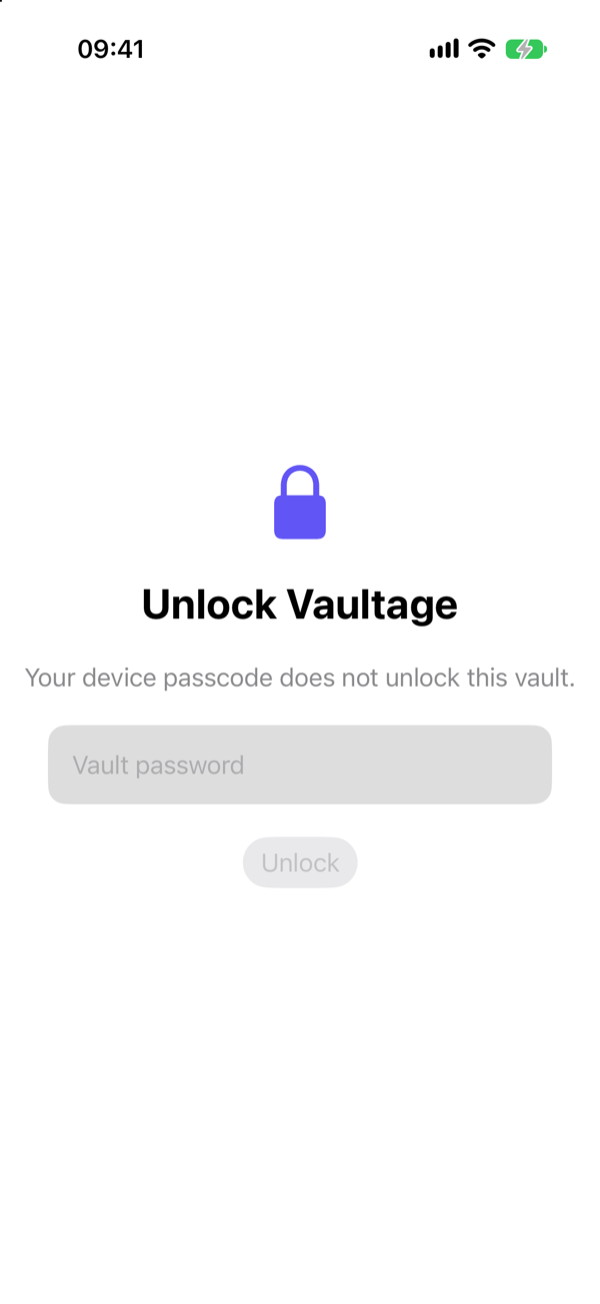
The Hidden album opens with the same Face ID and passcode as your iPhone. Vaultage opens only with its own password, PIN, or pattern. So the question is simple: do you need to keep something private from people who can unlock your phone? If not, the Hidden album is probably enough.
Side by side
| Hidden album | Vaultage | |
|---|---|---|
| Opens with | Face ID, Touch ID, or device passcode | Its own password, PIN, or pattern |
| Someone who knows your passcode | Can open it | Cannot open it |
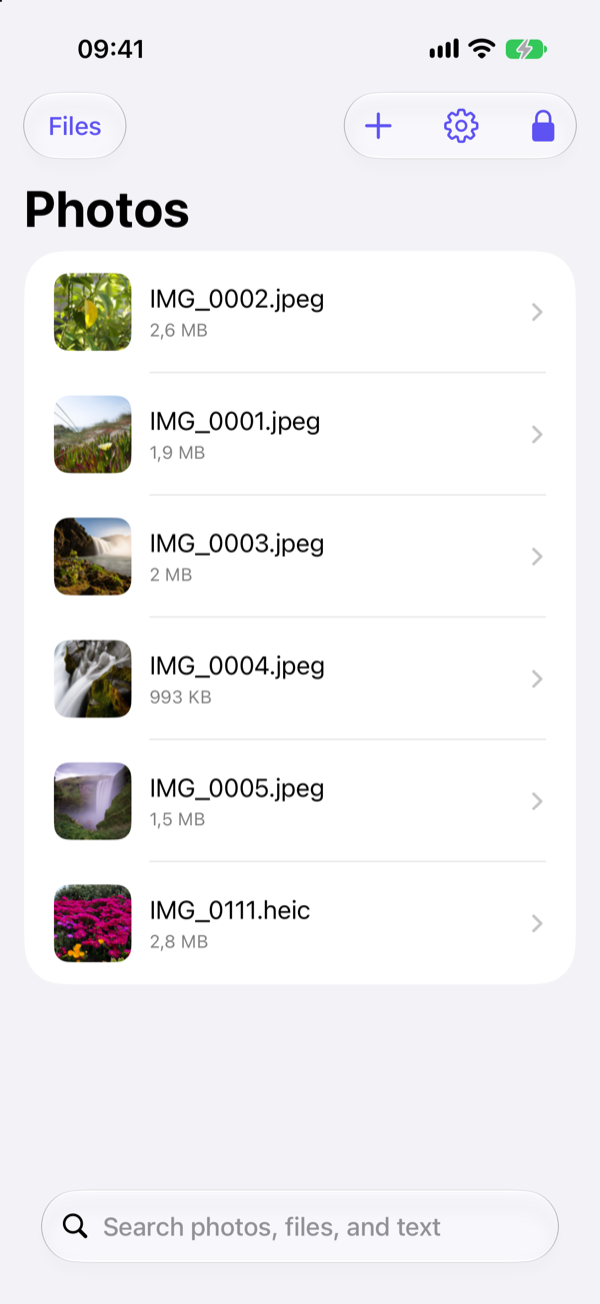
| Stored in | Your Photos library | A separate encrypted vault on the device |
| iCloud Photos | Syncs, hidden on other devices | Never synced |
| iCloud Backup | Included | Excluded; encrypted backup file instead |
| Shared Library | Follows library sharing | Never shared |
| Files and documents | Photos and videos only | Photos, videos, and files |
| Forgotten credential | Same as forgetting your device passcode | Cannot be reset |
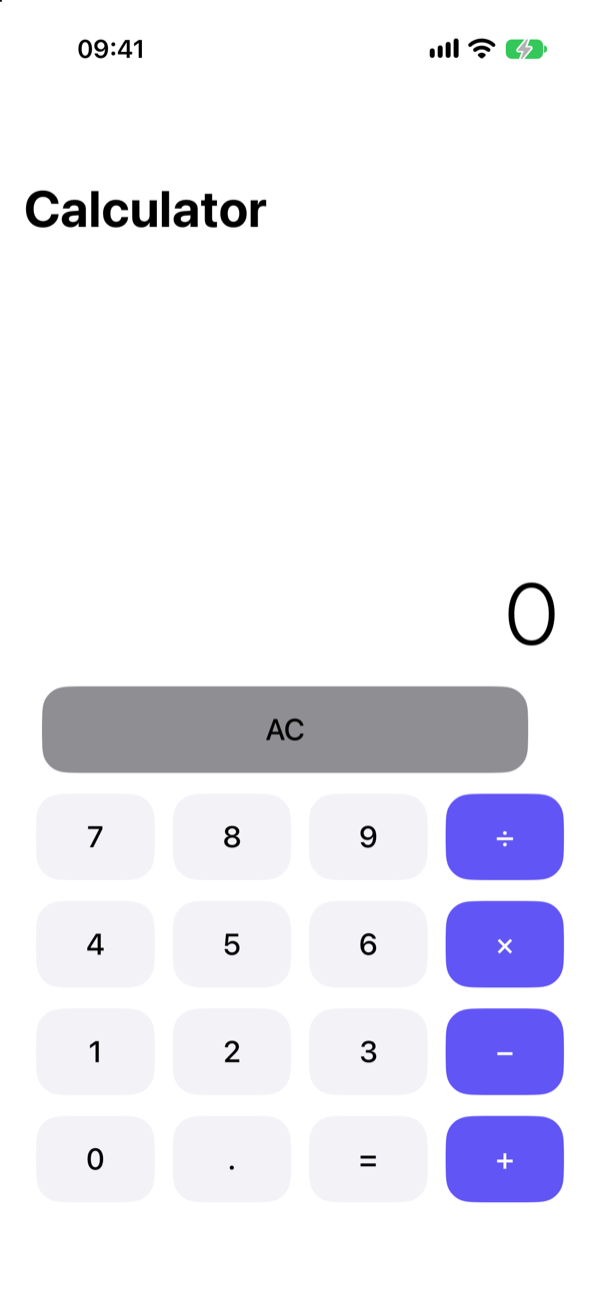
| Hide the album or app | Hide the album in Settings | Optional Calculator or Clock cover |
When the Hidden album is the right choice
- You want photos out of your main library so they do not come up while scrolling or showing someone a picture.
- The people around you do not know your passcode.
- You want the photos to sync to your iPad and Mac, and be in iCloud.
- You do not want to manage a separate password.
Set it up properly: lock the Hidden album with Face ID and turn off Show Hidden Album.
When Vaultage is the right choice
- A partner, family member, or someone else knows or could learn your passcode.
- You want photos and documents out of iCloud entirely.
- You keep files alongside photos: ID scans, medical documents, contracts.
- You would rather the app not look like a vault at a glance.
The trade-off with Vaultage
What makes Vaultage private also makes it less forgiving. There is no account and no password reset, and the vault is not in your iCloud backup. If you forget the vault password, or lose your phone without an encrypted backup, the vault cannot be recovered. Make an encrypted backup and keep it somewhere safe.
Can I use both?
Yes, and many people should. Use the Hidden album for clutter and Vaultage for what really matters. Just remember that moving a photo into Vaultage does not remove it from Photos: delete the original and empty Recently Deleted.
FAQ
Is the Hidden album encrypted?
Your iPhone's storage is encrypted while the phone is locked, and that covers the Hidden album. Once the phone is unlocked, the album is protected only by Face ID or your passcode.
Is Vaultage more secure than the Hidden album?
It protects against something the Hidden album does not: people who can unlock your phone. Against a stranger who cannot unlock your phone at all, both rely on your iPhone's own security.